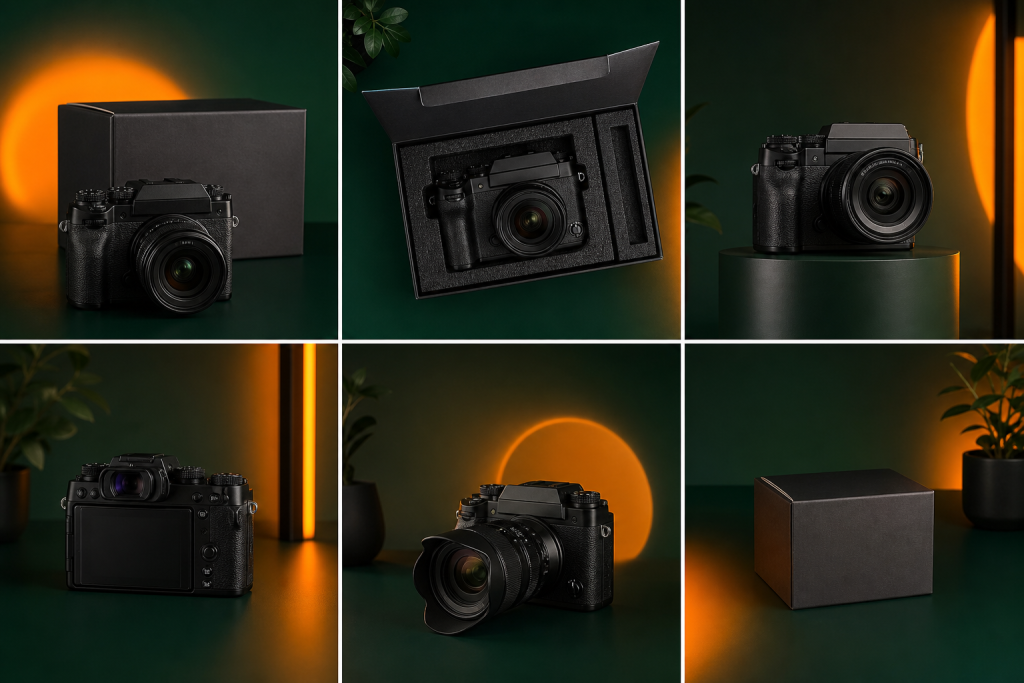
Amazon gives buyers no way to touch, smell, or try your product before purchasing. Images are how you bridge that gap. Studies consistently show that product images are the first thing shoppers notice on a listing, before the title or price. Getting your image stack right is one of the highest-ROI improvements you can make to any Amazon listing.
This guide covers Amazon’s image requirements, the ideal image sequence for maximum conversion, and the specific best practices that separate top-performing listings from average ones in 2026.
Amazon Image Requirements
Before you can optimize for conversion, you need to meet Amazon’s technical requirements. Listings that violate these rules risk suppression or removal.
- Main image: Must show the product on a pure white background (RGB 255, 255, 255). No text, logos, watermarks, or additional props allowed. The product must fill at least 85% of the image frame.
- Image size: Minimum 1,000 pixels on the longest side to enable zoom. Amazon recommends 2,000 pixels for optimal zoom quality.
- Format: JPEG, TIFF, GIF, or PNG. JPEG is the standard for most products.
- Maximum images: 7 visible image slots (main + 6 secondary) in most categories. Some categories allow more through A+ Content.
- No prohibited content: No nudity, no customer images used without permission, no Amazon logos or branding, no “Best Seller” or similar claims.
The Ideal Image Sequence for Conversion
The order of your images matters. Each slot has a job to do in moving a browser toward a buyer.
Image 1: White Background Hero
This is your mandatory main image. Make it clean, accurate, and compelling. Show the exact product configuration that matches your listing (size, color, quantity). If you sell a bundle, show all components. Use the full frame. This image is your thumbnail in search results — it needs to stop the scroll.
Image 2: Lifestyle Context
Show your product in use by a real person (or AI-generated person) in a realistic setting. This helps buyers visualize the product in their own life. The lifestyle image is often the highest-engagement secondary image and the one most used in Sponsored Brands ads. Match the lifestyle to your target buyer: age range, setting, activity.
Image 3: Size and Dimensions Infographic
One of the most common reasons buyers return products is that the size was not what they expected. A clear dimensions infographic, showing the product against a familiar object or with labeled measurements, reduces return rates and builds purchase confidence.
Image 4: Key Features Callout
Use text callouts over the product image to highlight 3 to 5 key benefits or differentiators. Keep text minimal and benefit-focused (“300 wash cycles” not just “durable”). These callout images are particularly effective for mobile shoppers who may not read the bullet points.
Image 5: Close-Up Detail
Show a close-up of the most important material, finish, or feature of your product. If you sell apparel, show the fabric texture. If you sell a blender, show the blade assembly. Detail shots signal quality and build trust in products where material or craftsmanship matters.
Image 6: Comparison or Social Proof
Use this slot for a comparison chart showing how your product differs from generic alternatives, or show a highlighted customer review quote. Both formats address the “why should I trust this?” question buyers have before purchasing.
Image 7: What’s in the Box
Show every item included in the purchase, laid out flat or neatly arranged. This eliminates purchase uncertainty about what the buyer is actually getting and reduces negative feedback from buyers who expected something that was not included.
Mobile Optimization
More than 60% of Amazon purchases are made on mobile devices. On mobile, your main image is small and your secondary images are viewed as a swipe gallery. This means:
- Text on infographic images must be large enough to read at thumbnail size
- The most important information needs to be in Images 1 through 3, not buried in Image 6
- High contrast between text and background improves readability on small screens
- Avoid cluttered layouts with multiple small elements — they become unreadable on mobile
Video: The Underused Eighth Slot
Amazon allows Brand Registry sellers to add a product video alongside the image gallery. Video is currently underused, which means it is a differentiation opportunity. A 30-second product video showing the item in use, demonstrating key features, or showing unboxing can significantly improve conversion for complex products. Amazon also uses video content in search result carousels.
Common Amazon Image Mistakes
- Main image that does not fill the frame (too much white space around the product)
- Blurry or low-resolution images that do not zoom cleanly
- Infographic text too small to read on mobile
- No lifestyle image — missed opportunity to connect emotionally with buyers
- Watermarks or logos on secondary images (still against Amazon policy)
- All images showing the same angle — use variety to reduce uncertainty
- Ignoring the A+ Content image slots, which appear below the fold and can add 4 to 8 more image panels
Frequently Asked Questions
How many images should I have on my Amazon listing?
Use all 7 available image slots. Listings with 7 images consistently outperform listings with fewer images because buyers have more information to make a confident purchase decision. Each image should serve a specific purpose: hero shot, lifestyle, dimensions, features, detail, comparison, and what’s in the box.
What size should Amazon product images be?
Amazon requires a minimum of 1,000 pixels on the longest side to enable zoom functionality. The recommended size is 2,000 pixels on the longest side (2,000 x 2,000 for square images, or 2,000 x 1,500 for landscape). Larger images provide sharper zoom, which improves buyer confidence for detail-heavy products.
Can I use text on Amazon product images?
Yes, on secondary images (slots 2 through 7). Text overlays, callouts, and infographics are allowed on all images except the main image. The main image must show the product on a pure white background with no text, graphics, or watermarks. Use text callouts on secondary images to highlight key benefits for mobile shoppers who skip reading bullet points.
Do product images affect Amazon search ranking?
Product images indirectly affect ranking through their impact on conversion rate. Amazon’s A9 algorithm rewards listings with higher conversion rates with better organic placement. Better images improve conversion, which improves ranking over time. Images with clear zoom functionality also provide a better buyer experience, which factors into Amazon’s quality signals.
Need help rebuilding your Amazon image stack? Our team at Enso Brands handles full Amazon listing optimization including image strategy, infographic creation, and A+ Content design. See also how our Amazon SEO services combine image optimization with keyword strategy for complete listing performance.