
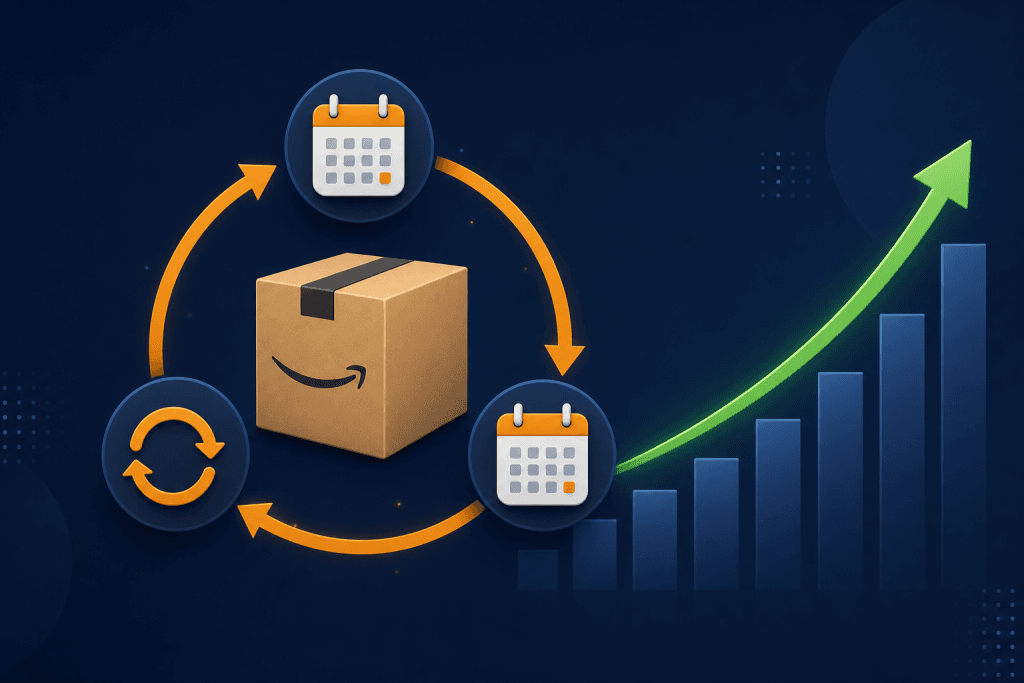
TL;DR: Amazon Subscribe & Save lets customers auto-order your products on a recurring schedule, while you collect predictable revenue every month. Sellers who enroll eligible FBA products can offer 5 to 15% discounts in exchange for subscription lock-in, dramatically improving customer lifetime value and reducing reliance on constant new-customer acquisition.
Table of Contents
- What Is Amazon Subscribe & Save?
- How It Works for Sellers
- Eligibility Requirements
- How to Set Discount Rates Strategically
- Optimizing Your Listing for Subscriptions
- Common Mistakes to Avoid
- FAQs
- Conclusion
What Is Amazon Subscribe & Save?
Amazon Subscribe & Save is a fulfillment program that allows customers to schedule automatic, recurring deliveries of eligible products, at a discounted price. For sellers, it is one of the most powerful mechanisms for building recurring revenue on Amazon FBA without any additional advertising spend or manual intervention.
Since its launch, Subscribe & Save has become a cornerstone of Amazon’s consumables strategy. In 2023, Amazon reported that Prime members who subscribe to at least one product through the program spend on average 4x more per year than non-subscribing Prime members. For sellers, that loyalty is gold. Once a customer subscribes, the default inertia keeps them subscribed, meaning your revenue from that customer compounds over time.
The program is particularly effective for consumable products: health supplements, baby products, pet food, coffee, cleaning supplies, and personal care items. If your product gets used up and needs to be repurchased, Subscribe & Save is almost certainly worth enabling.
How Amazon Subscribe & Save Works for Sellers
When you enroll a product in Subscribe & Save, customers on your listing will see an option to choose between a one-time purchase or a subscription. If they select “Subscribe & Save,” they choose a delivery frequency, weekly, bi-weekly, monthly, bi-monthly, or tri-monthly, and Amazon handles all the repeat order logistics automatically.
Here’s what happens on the backend:
- Amazon charges the customer automatically on their chosen schedule
- Your FBA inventory fulfills the order just like any other order
- You receive payment minus the discount you’ve set and standard FBA fees
- Amazon sends reminder emails to subscribers before each renewal, reducing cancellation rates
The key financial consideration is that you fund the Subscribe & Save discount, not Amazon. This makes discount-setting strategy critical (more on that below). However, the trade-off is almost always worth it: lower margins per unit, higher total revenue over time, and dramatically lower customer acquisition costs.
Eligibility Requirements for Amazon Subscribe & Save Seller
Not every seller or every product qualifies for the program. Amazon has set specific criteria to maintain quality and reliability for subscribers. To participate in Subscribe & Save as an Amazon FBA seller, you must meet all of the following:
- Seller account age: At least 3 months as a professional seller
- Seller feedback rating: At least 4.7 stars with a minimum of 5 reviews
- Late shipment rate: Under 1%
- Order defect rate: Under 1%
- FBA enrollment: Products must be fulfilled by Amazon (FBM products are ineligible)
- Product category: Must be in an eligible category (food, beauty, health, baby, pet, household, etc.)
If your account doesn’t yet meet these thresholds, focus on building your performance metrics first. The program rewards sellers with strong operational track records, because Amazon needs to guarantee a seamless experience to subscribers who’ve set up automatic payments.
How to Set Discount Rates Strategically
Amazon requires you to offer a minimum 5% discount to Subscribe & Save customers. You can go up to 15%. Amazon itself contributes an additional discount on top of yours when a customer has 5+ subscriptions in a single delivery month (the “5-for-15” promotion), but this is funded entirely by Amazon, not you.
Here’s how to think about your discount rate:
| Discount Rate | Best For | Trade-off |
|---|---|---|
| 5% | High-margin products, competitive categories | Minimal margin sacrifice, still incentivizes subscriptions |
| 10% | Mid-margin consumables, high-reorder rate products | Sweet spot for most sellers |
| 15% | Launching new products, clearing slow movers | Maximum subscription velocity, tightest margins |
The strategic play: Start at 10%. Monitor your subscribe rate (visible in Seller Central under “Manage Subscribe & Save”) for 30-60 days. If your subscription attach rate (percentage of customers who choose Subscribe & Save) is below 15%, consider bumping to 15% temporarily. Once you’ve built a subscriber base, you can lower the discount and most subscribers will stay.
A 2022 study published by the Amazon Sellers Alliance found that products with a 10 to 15% Subscribe & Save discount had a 37% higher customer lifetime value compared to identical products without subscriptions. The math is clear: the long-term LTV gain far outweighs the short-term margin reduction.
Optimizing Your Amazon Listing for Subscribe & Save
Enrollment alone won’t maximize your subscription rate. Your listing itself needs to be optimized to push customers toward the Subscribe & Save option. Here’s what works:
Write Subscription-Friendly Bullets
Your bullet points should reinforce the recurring-use nature of your product. If you sell a 60-count supplement, mention “60-day supply” explicitly. Framing the product as something that runs out, and needs to be restocked, plants the seed for subscription thinking.
Use A+ Content to Reinforce Value
Amazon A+ Content (available to brand-registered sellers) lets you add image modules and comparison charts below the fold. Use this space to include a callout about the Subscribe & Save savings. Something like “Subscribe & Save up to 10%, Never run out again” alongside a visual of the discount works well.
Maintain In-Stock Status Religiously
Nothing kills a subscriber base faster than a stockout. When Amazon can’t fulfill a scheduled subscription order, it cancels that delivery, and many customers don’t resubscribe. Use Amazon’s restock inventory tool and set reorder alerts at 30-day forward coverage minimum for your Subscribe & Save enrollment quantities.
Price Competitively at Full Price
Your Subscribe & Save discount is calculated off your regular selling price. If your regular price creeps up (a common PPC strategy to fund discounts), it can make the subscribe price appear less competitive. Keep your pricing anchored to a level where the discounted Subscribe & Save price genuinely beats what a customer would pay elsewhere.
Common Mistakes Amazon FBA Sellers Make with Subscribe & Save
Ignoring the Cancellation Dashboard
Seller Central shows you why subscribers cancel (price, stockout, competitor). Most sellers never look at this data. Review it monthly and act on patterns.
Running Deep Coupons on Top of Subscribe & Save
Stacking a 15% coupon with a 15% Subscribe & Save discount can destroy margins. Make sure your promotional strategy accounts for all layers of discount simultaneously.
Enrolling Products That Shouldn’t Be Subscriptions
One-time purchase items (holiday decorations, novelty gifts) perform poorly in this program. Amazon may remove them from the program if subscribe rates are too low. Only enroll genuine consumables or replenishable products.
Frequently Asked Questions
What is Amazon Subscribe & Save for sellers?
Amazon Subscribe & Save is an FBA program that lets sellers offer automatic recurring deliveries to customers at a 5 to 15% discount. Sellers fund the discount in exchange for predictable, recurring revenue and higher customer lifetime value. Only FBA sellers with 4.7+ feedback ratings and under 1% defect rates are eligible.
How do I enroll products in Subscribe & Save?
Go to Seller Central → Inventory → Manage All Inventory → select a product → click “Enroll in Subscribe & Save.” You’ll set your discount rate and confirm eligibility. Enrollment typically takes 1 to 3 business days to activate on your listing.
How much discount should I offer for Subscribe & Save?
Start with 10% for most consumable products. This is the sweet spot between margin protection and subscription conversion. If you’re launching a new product and want to build a subscriber base quickly, offer 15% temporarily, then reduce it once subscribers are locked in.
Can FBM sellers use Amazon Subscribe & Save?
No. Amazon Subscribe & Save is only available to FBA (Fulfilled by Amazon) sellers. If you’re currently using FBM, you would need to convert your fulfillment method to FBA to access the program.
Does Amazon Subscribe & Save affect my PPC strategy?
Yes. Since subscribing customers tend to reorder automatically, you can reduce your PPC bids for repeat-purchase keywords once your subscriber base grows, the organic subscriptions effectively replace paid re-acquisition. This makes Subscribe & Save one of the few strategies that actively reduces your advertising cost over time.
Conclusion
Amazon Subscribe & Save is one of the highest-leverage tools available to Amazon FBA sellers of consumable products. By offering a modest 5 to 15% discount, you convert one-time buyers into recurring revenue on Amazon that compounds month after month with no additional advertising spend. The key to success is meeting eligibility requirements, setting your discount rate strategically, keeping inventory stocked, and optimizing your listing to nudge customers toward subscription.
If you’re already selling FBA and haven’t enrolled your consumable products in Subscribe & Save, you’re leaving predictable revenue on the table every single month.
At Enso Brands, we help Amazon sellers unlock exactly this kind of compounding growth, from Subscribe & Save optimization to full account management. Explore our Amazon management services to see how we can build recurring revenue for your brand.






